Recording
Tap the record button to start recording your DJ session. Tap it again to stop and save your session as an audio file.
Removing loops
Drag the loop out of the drop target area to remove it from playback!
Muting loops
Click and hold a loop to hear it solo. Release to bring the others back!
Activating loops
Tap a loop to activate it. Blue outline means it is active.
You can now scratch it on the turntable or adjust its volume and effects. Tap it again to exclude it from further control adjustments!
Scratching isn't available on this connection — reload the page over HTTPS to use it.
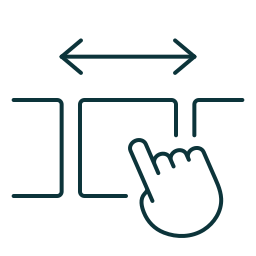
Swiping
Grab the loop in the center and swipe sideways to explore other loops!
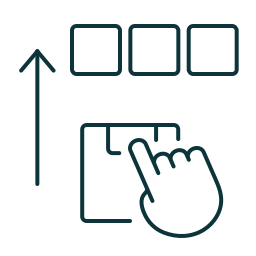
Dragging
Tap and hold the grey handle, then drag the loop to one of the drop targets at the top!
Drag 2 or 3 loops to the targets.
DJing
You can start DJing here! Scratch the turntable and adjust the volume and effects of any activated loops in the drop targets.

Loading config files...